
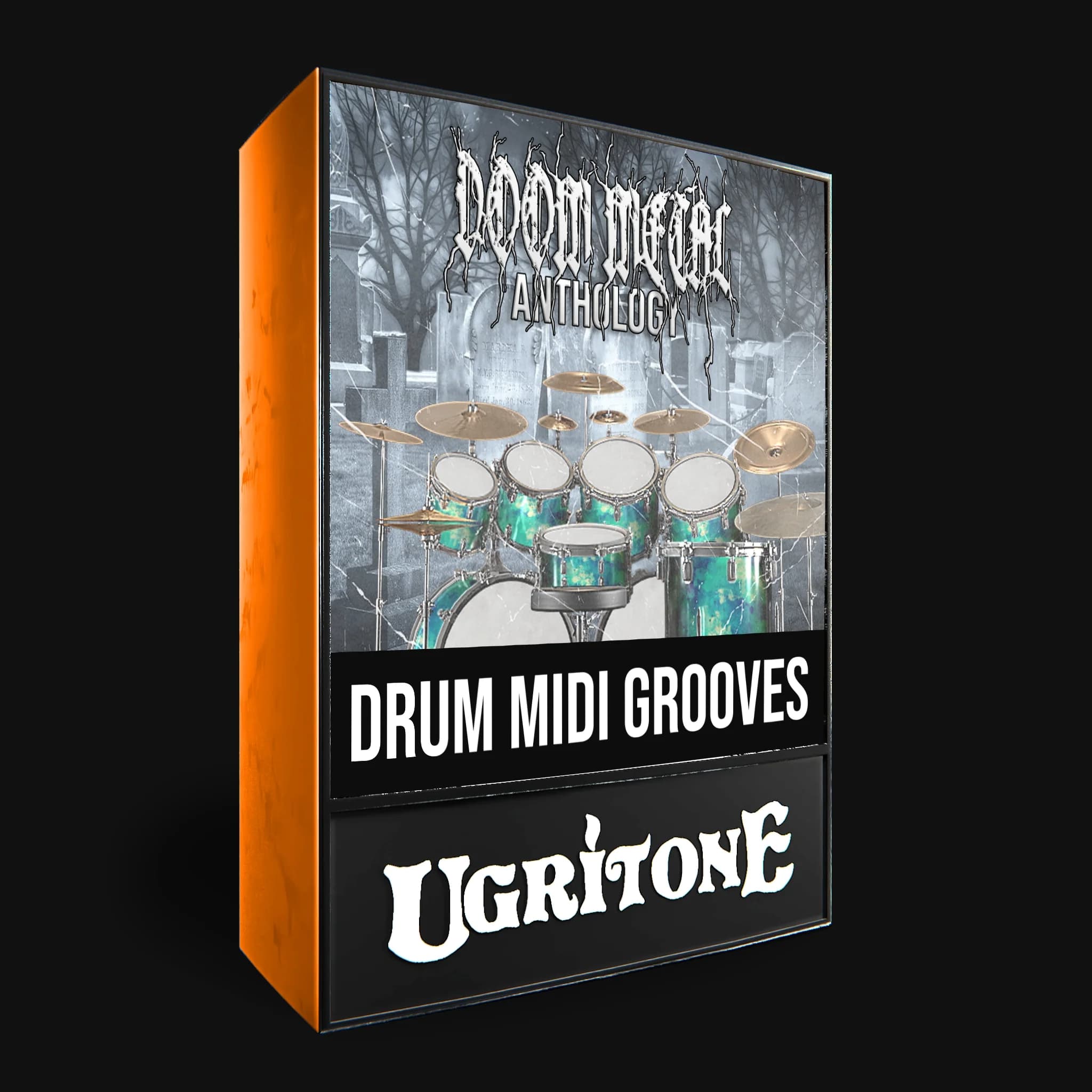

Doom Metal Anthology MIDI Pack
Ugritone$15.00
First there were Essentials, now there's Anthology.
Dive deeper into the abyss with this expanded collection of doom-infused grooves. From classic slow-burn patterns to experimental off-kilter rhythms, this update spans the full spectrum of doom’s sonic weight. A must-have for those seeking even darker, slower, and heavier drum foundations.
Doom, Sludge, Stoner, Drone… whatever you want to call it it's going to be Slow, Thick & Heavy.
All the signature Doom, Stoner & Sludge drum beats in one package.
What you get:
■ Over 110 unique beats
■ Over 50 fills
■ 18 different basic grooves
■ Over 40 fills
■ All drums played live
■ Beats range around 82 – 142bpm
■ Uses General Midi mapping
■ Easily navigable files
Groove List
Not sure how to kickstart your rhythm section? Groove List to the rescue!
We spent hours recording and crafting these grooves to give you the perfect rhythmic foundation for each genre and style. Browse through the Groove List and find the pattern that locks in perfectly with your track!
Grooves:
-
Classic Sabbath Beat
-
Funeral Beat
-
3/4 Funeral Beat
-
3/4 Shuffly Beat
-
Texas Beat
-
Lazy Groove
-
Simpler Shuffle
-
Double Bass
-
Groove Beat
-
Back Beat
-
Breakdown
-
3/4 Breakdown
Specs:
Doom Metal Anthology by Ugritone is Soundware (samples or presets that load into other products).
Format: MIDI
System requirements for using the MIDI files:
No special system requirements are needed. Our MIDI files are fully platform-independent and can be used on both 32-bit and 64-bit systems without any issues. Since MIDI files only contain performance data (like notes, velocity, and timing), they are compatible with virtually any DAW or MIDI-capable software, regardless of your operating system or hardware architecture. As long as your setup can load and play MIDI, you're good to go.
Please note: MIDI is not audio!
MIDI files do not contain actual audio or drum sounds. Instead, they store performance data such as which notes are played, when, and how hard. In order to hear sound, you'll need to load the MIDI files into a DAW (Digital Audio Workstation) or any MIDI-compatible software, and assign them to a virtual instrument (like a drum plugin or sampler). This allows you to trigger your own sounds using our professionally crafted grooves.
In other words: MIDI tells your instruments what to play, but not how it sounds. You bring the sound source – we bring the rhythm